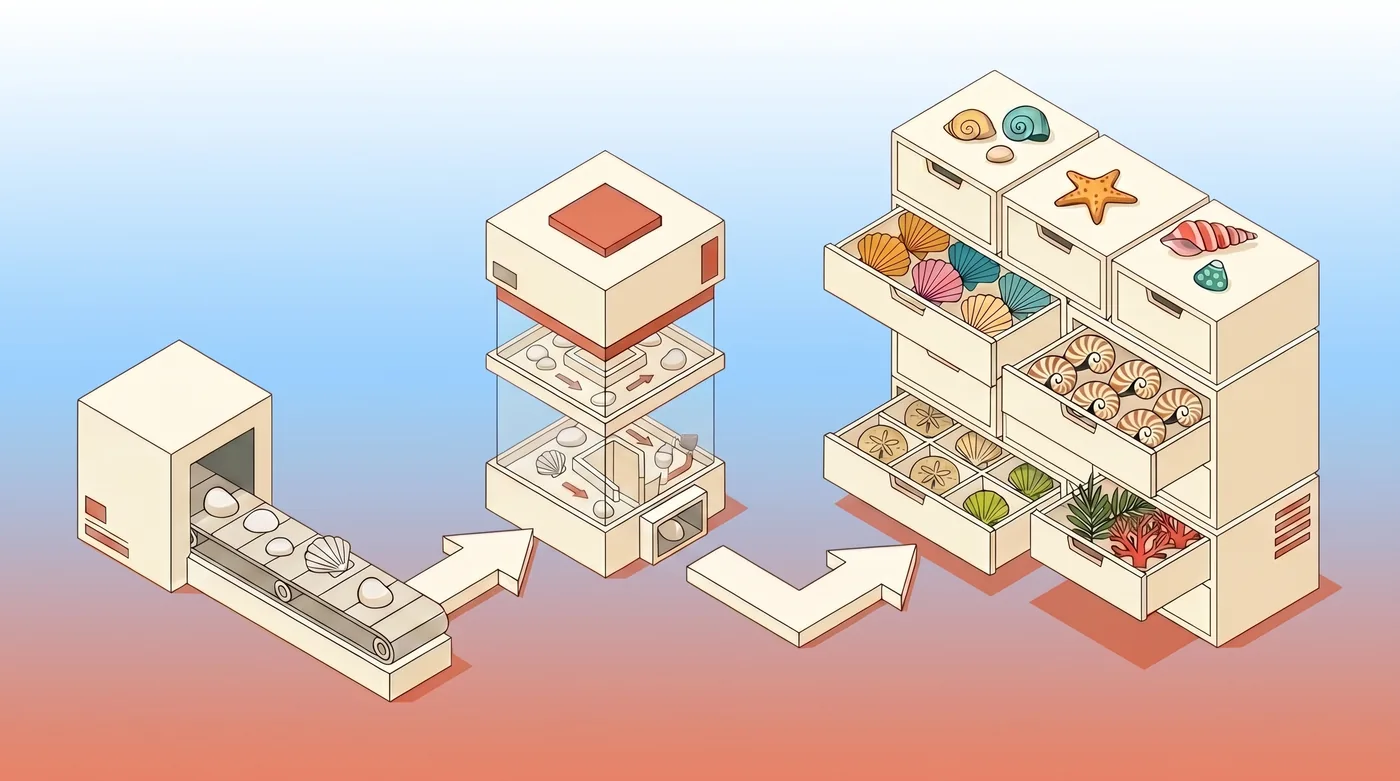
Interactive tool testing
Choose a tool, provide realistic inputs, and run a live request from one workspace.
The 0mcp Playground gives your team a controlled place to exercise MCP tools against the hosted server, inspect what happened, and fix unclear inputs or failures before an AI client depends on them.
Test session
Exercise a real MCP tool
Execution
Status
VISIBLE
Latency
TRACKED
Errors
INSPECTABLE
Choose a tool, provide realistic inputs, and run a live request from one workspace.

Follow each tool call and inspect its status, latency, response, and error details.

Try natural-language requests and observe which available tools the testing workflow selects.
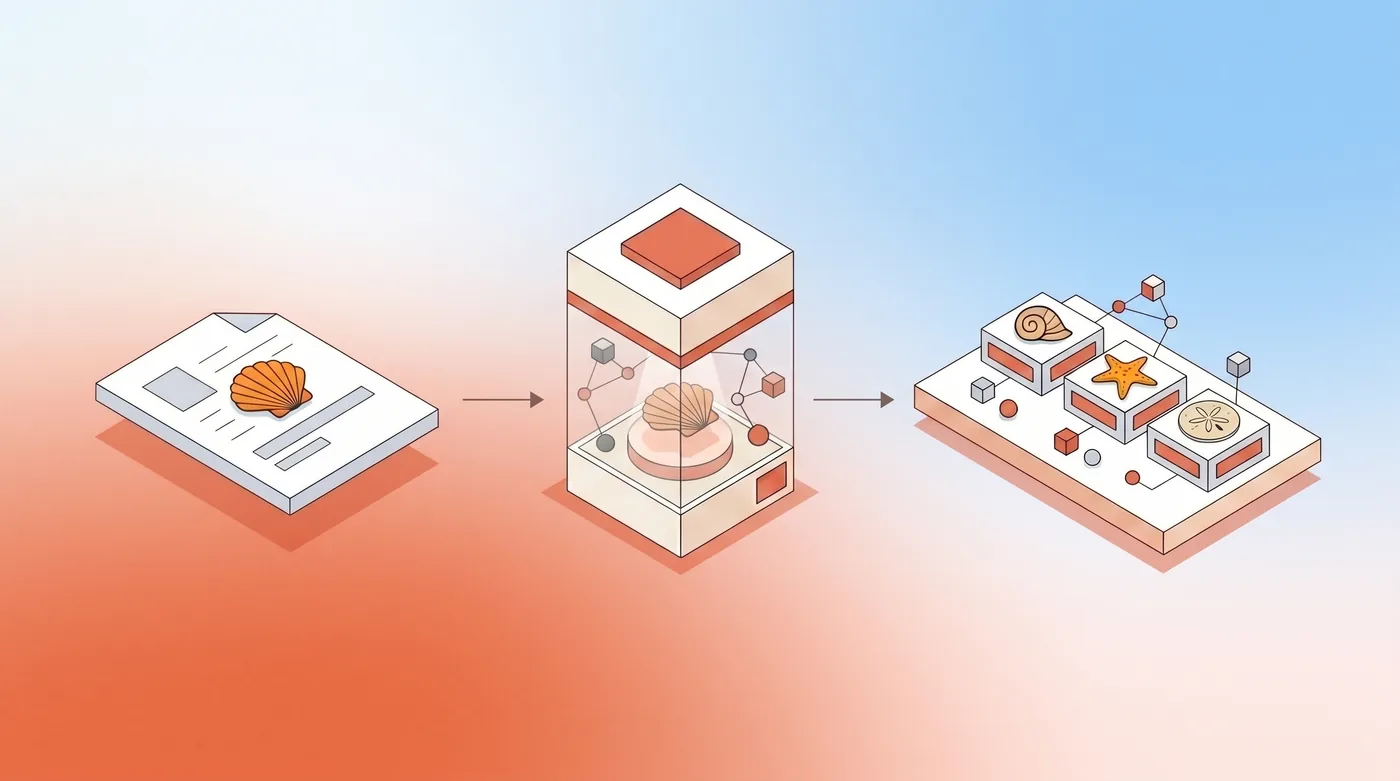
Move from capability configuration to testing without building a separate client harness.
Why use a playground
Own every infrastructure detail, or start from your OpenAPI contract with a managed platform.
01
02
03
An MCP Playground is a testing interface for exercising MCP capabilities before relying on them in an AI application. The 0mcp Playground lets you run tool calls, inspect execution details, and refine the server configuration from the same product workflow.
Yes. Playground tool tests execute through the configured MCP server and can reach the upstream API. Use test-safe data and credentials when an operation creates, updates, or deletes records.
You can inspect the tool execution and operational details such as response status, latency, output, and errors. This helps distinguish an input-schema issue from an upstream API failure.
Testing the server first reduces variables. Your team can confirm tool inputs and API behavior before adding client configuration, model selection, or agent orchestration to the debugging path.
Run live calls, inspect execution details, and refine your hosted MCP server from one testing workflow.